

PacePack, from RunningFitness365
Know your paces. Race with a plan.
PacePack is a free running app built on the Coach T method. Four simple tools for training paces, race-day pacing and fuelling, carb-loading and a quick readiness check. It opens on your phone, with nothing to download from an app store.
Results are estimates, not medical advice.
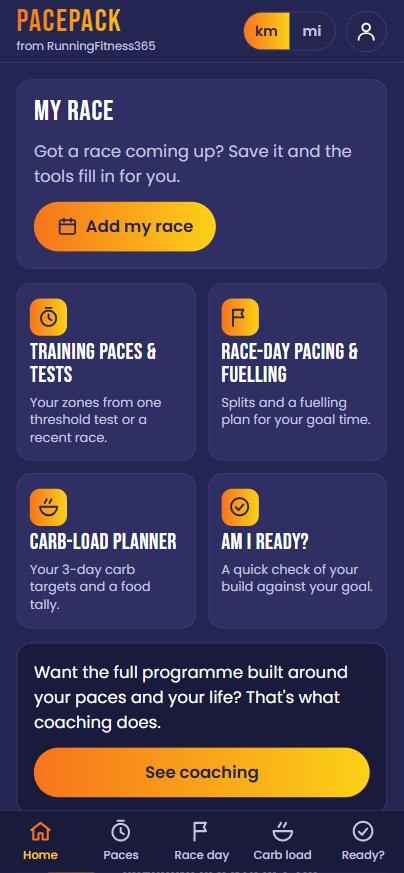
Four tools, one free app
Use one tool or all four. Each asks for a few numbers, you just type them in, and it gives you a clear result. If you have a race coming up, save it in My Race and the tools fill in for you.
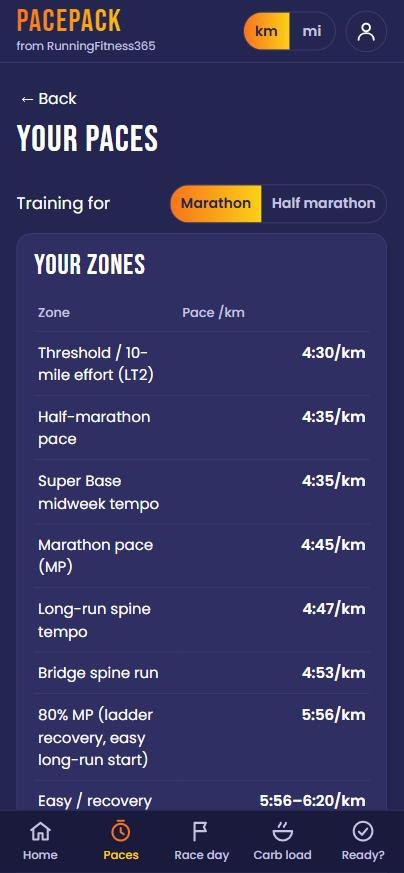
Training Paces & Tests
Your zones from one threshold test or a recent race. Enter your 30-minute test pace and see your threshold, marathon and easy paces, plus a taster week built on them.
Example with sample numbers
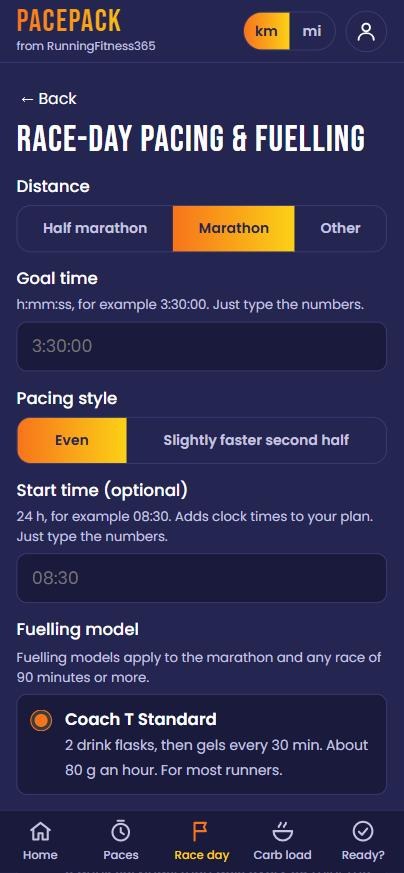
Race-Day Pacing & Fuelling
Splits and a fuelling plan for your goal time. Choose half marathon or marathon, an even or slightly faster second half, add your start time and pick the fuelling model that suits your stomach.
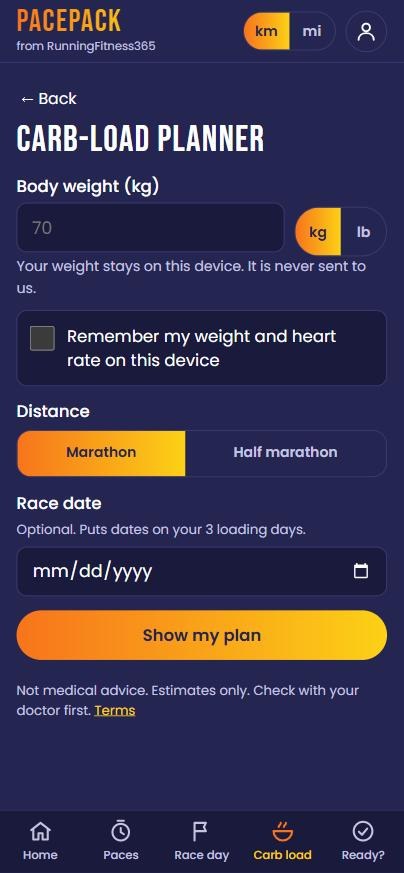
Carb-Load Planner
Your 3-day carb targets and a food tally. Add your body weight and, if you like, your race date, and it puts dates on your three loading days.
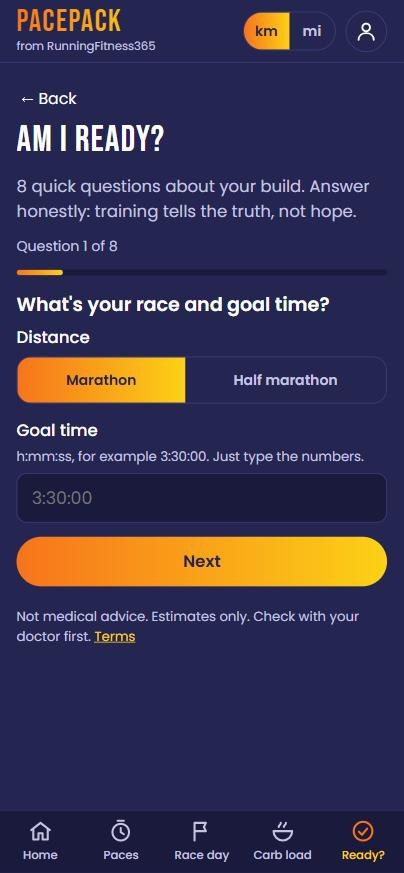
Am I Ready?
A quick check of your build against your goal. Eight short questions. Answer honestly: training tells the truth, not hope.
How to use PacePack
Your first result is quick. No account and no password.
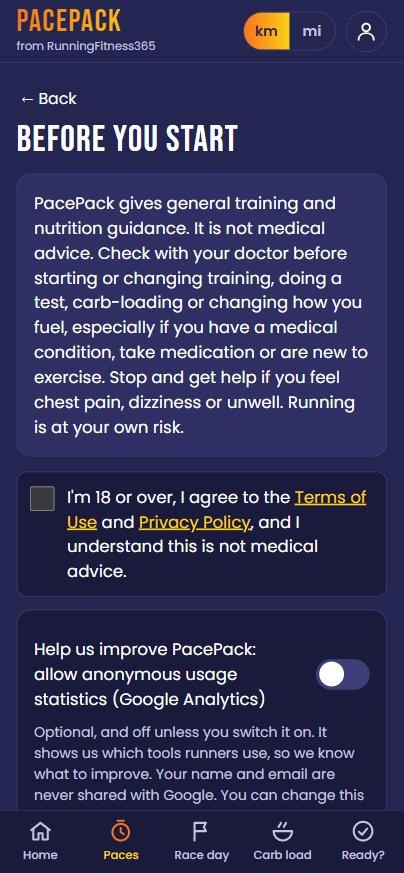
Open it
Tap the button, or type app.runningfitness365.com in your phone’s browser. Read the short “Before you start” note and tick the box to continue.
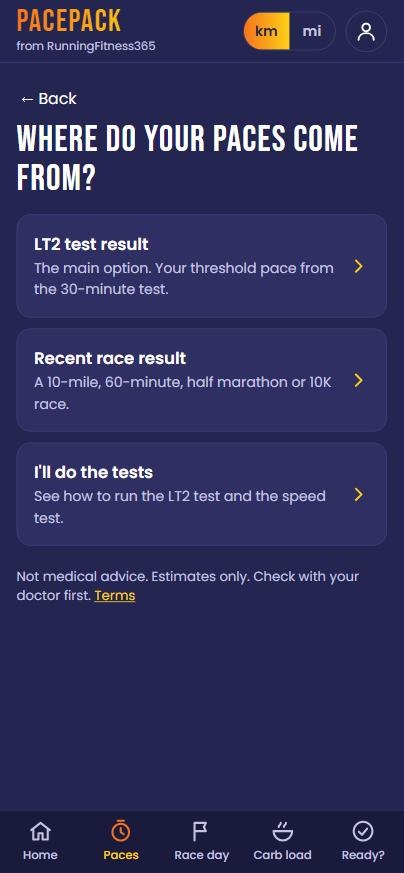
Pick a tool
Choose what you need today. For paces, pick your LT2 test result or a recent race. New to the test? The app shows you how to run it.
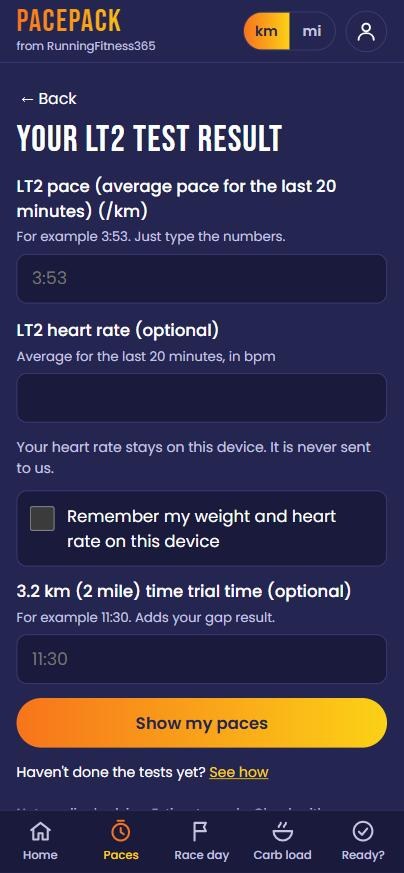
Type your numbers
Just type the numbers, like 4:30 for a pace or 3:30:00 for a goal time. Kilometres or miles, your choice.
Keep using it, free
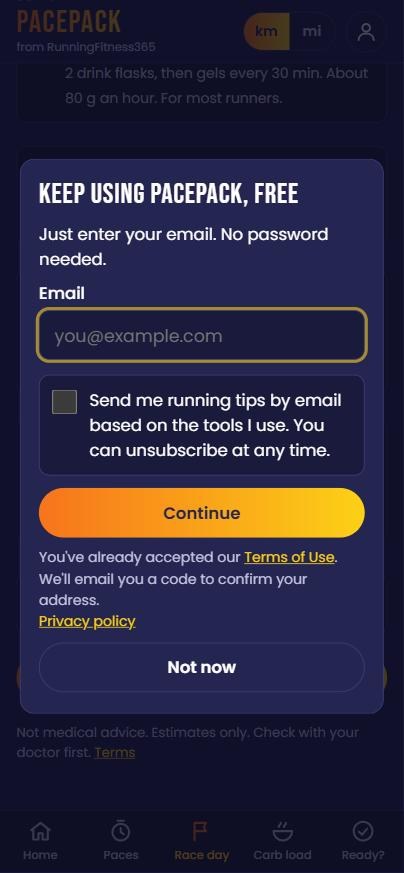
Your first result needs no email. After that, enter your email to keep using PacePack. We send a 6-digit code, no password. Tips by email are optional, and you can unsubscribe at any time.
Put it on your home screen
PacePack works in your browser, and you can add it to your phone like an app. It then opens in one tap, and it works offline too.
iPhone
- Open app.runningfitness365.com in Safari.
- Tap the Share button.
- Tap Add to Home Screen.
- Tap Add.
Android
- Open app.runningfitness365.com in Chrome.
- Tap the three-dot menu.
- Tap Install app (or Add to Home screen).
- Tap Install.
Got a race coming up?
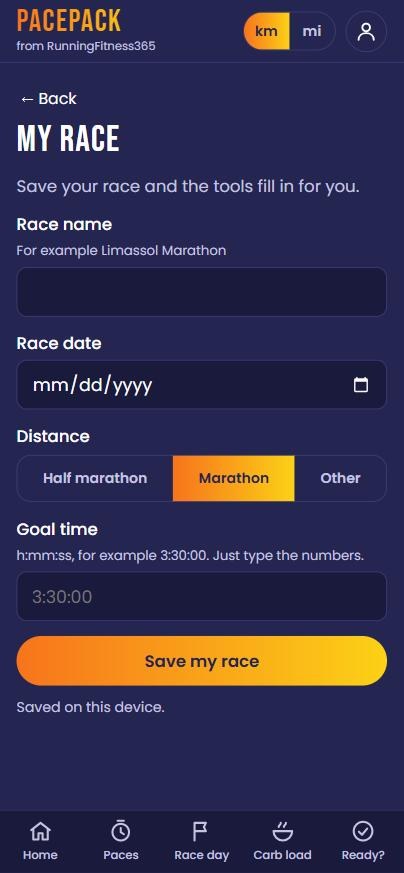
Save your race once in My Race: name, date, distance and goal time. PacePack then fills in the tools for you, so you are not typing the same numbers again and again. After the race, a short check-in helps you see what worked.
Your data stays yours
PacePack asks for what it needs and keeps the sensitive parts on your phone.
- Stays on your phoneYour body weight, heart rate and pain answers never leave your phone.
- No passwordYou sign in with your email and a 6-digit code.
- Statistics are optionalAnonymous usage statistics are off unless you switch them on.
- Your choiceYou can download or delete your data.
- Works offlinePacePack works offline, so the tools still open without a signal.
Read the full Privacy Policy and Terms of Use.
When you want more than numbers
PacePack gives you your paces and a plan for race day. Want the full programme built around your paces and your life? That is what coaching does. Coach T works with you one to one, and replies within 24 hours.
Questions runners ask
Is PacePack really free?
Yes. PacePack is free to use. Your first result needs no email. After that we ask for your email so you can keep using it.
Do I need to download it from an app store?
No. PacePack opens in your phone’s browser, and you can add it to your home screen in a few taps. The steps for iPhone and Android are above.
Is it medical advice?
No. PacePack gives general training and nutrition guidance, and every result is an estimate. Check with your doctor before starting or changing training, doing a test, carb-loading or changing how you fuel, especially if you have a medical condition, take medication or are new to exercise.
Will you email me?
Only if you tick the box for running tips by email. You can unsubscribe at any time.
What is the Coach T method?
It is the simple way of training I use with the runners I coach: mostly easy running, one quality session, a strong long run, and paces set from a real test, not from hope.
Does it work for miles as well as kilometres?
Yes. Switch between km and mi at the top of the app.
Ready to find your paces?
Open PacePack, type a few numbers and see your result. Free, and nothing to install from a store.
PacePack, from RunningFitness365. General training and nutrition guidance only. Results are estimates and not medical advice. Running is at your own risk.